
How do you move product, price list and buyer records out of spreadsheets?
Split the sheets into four linked records: products keyed by SKU, prices keyed by SKU, tier and start date, buyers keyed by their tax ID, and terms per buyer with a start date. Merge duplicates on the tax ID, not the name. Test-import 20 rows, import the rest, then lock the old sheets so nobody keeps editing a second copy.
- A list of every sheet, its editors and what depends on it
- One key per record: SKU, buyer tax ID
- Price rows with tier, start date and end date
- Buyer terms with a start date
- Aliases kept for every merged duplicate
- A 20-row test import
- Old sheets protected after the switch
- One owner per record type
A wholesale brand's spreadsheets usually start as one product list and one buyer list. A year later there is a price sheet per season, a copy per salesperson and a tab of special deals nobody remembers agreeing to. Moving out is less about choosing software and more about deciding what the keys and dates are.

When is a spreadsheet still fine?
Check whether you need to move at all. A spreadsheet is enough while the three answers below are all yes, and you can still say what price a buyer got in March without asking anyone.
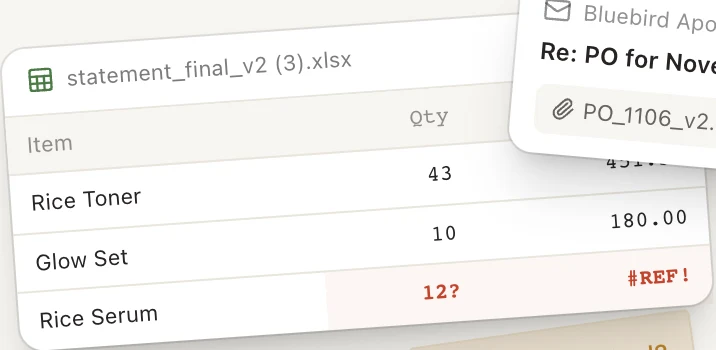
Two editors, two truths
Exceptions outgrow one column
When any answer turns to no, the cost shows up as errors: a buyer invoiced at an old price, an order shipped to a closed store, or one buyer entered twice with different terms.
What fields should each record keep?
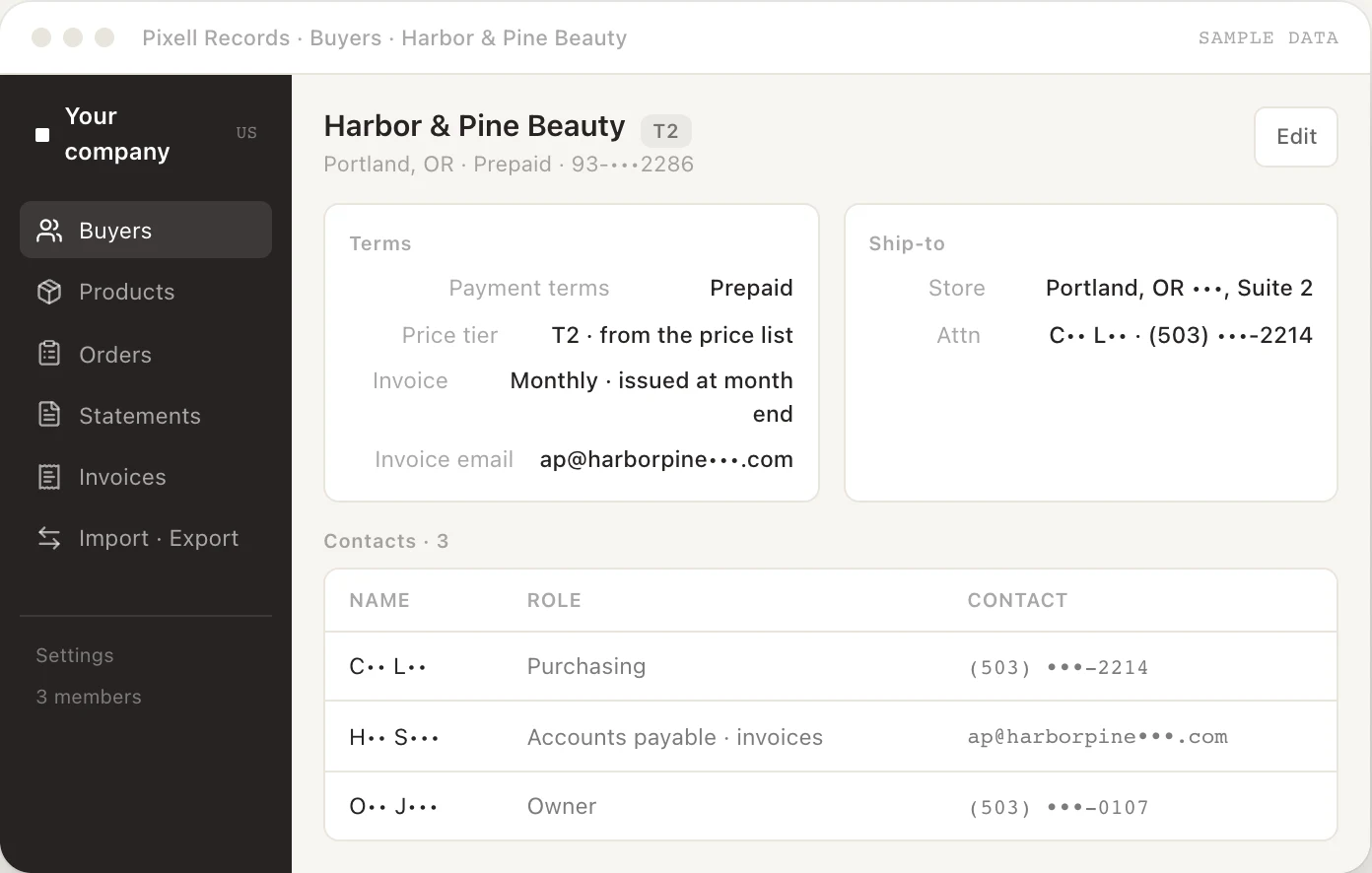
Each record needs one key that never changes, plus the fields orders and invoices read from it.
Splitting terms from the buyer is the step most teams skip. Without it, changing a buyer's payment terms silently rewrites the history of every earlier order.
- 1Tax ID
- As registered, never changes
- Legal name
- Greenleaf Pharmacy LLC
- 2Aliases
- Greenleaf Pharmacy · GreenLeaf - Main St
- Ship-to locations
- One per store
- 3Terms
- Tier B, from a start date
- 1Merge on this, not the name
- 2Old spellings still match orders
- 3A term change is a new row
How do you structure price tiers and buyer-specific prices?
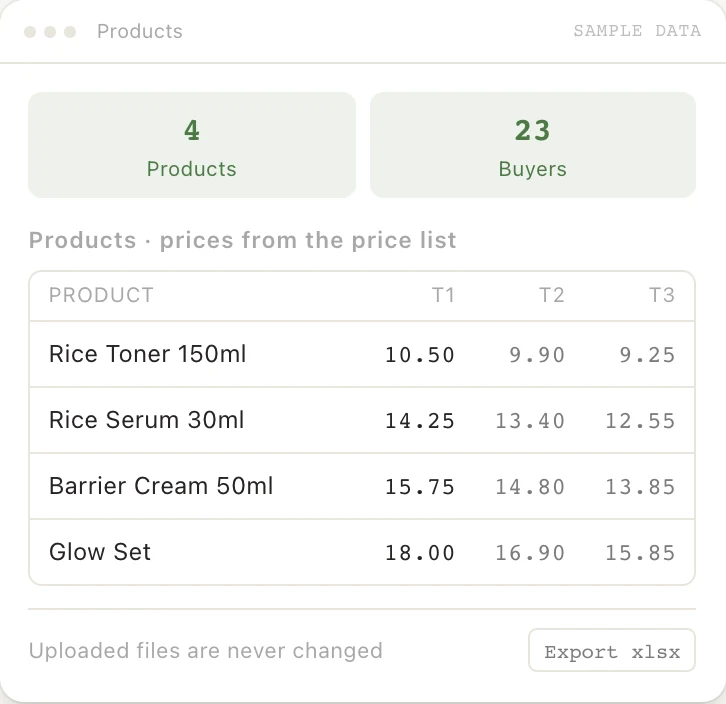
Use one list price per SKU, a few tiers, and buyer-specific prices only as exceptions. Decide the order of precedence once and write it down.
- 01Buyer-specific price
If active that day
- 02Buyer's tier price
Otherwise
- 03List price
If neither exists
- 2026-01-01
Tier B $9.80 starts
- 2026-11-20
Order billed $9.80
- 2026-12-01
Agreed $9.20 starts
- 2026-12-03
Order billed $9.20
- 2027-05-31
Back to tier price
Without the dates, the sheet can only show today's deal, and every past invoice becomes hard to check.
A tier discount, a volume break and a promotion multiply rather than add. Store the final net price per tier when you can, rather than a chain of percentages.
How do you find and merge duplicate buyers?
Duplicates come from typing, not bad intent. "Greenleaf Pharmacy", "Greenleaf Pharmacy LLC" and "GreenLeaf - Main St" are often one buyer entered by three people.
Franchisees, for example
Match on the tax ID first. For rows without one, compare a cleaned name (lower case, no punctuation, "LLC" or "Inc.") with the postcode or email domain, and review every proposed merge yourself.
Products get the same treatment. Two rows with one barcode are one SKU, and a set lists its component SKUs rather than becoming an unrelated product.
How do you move the data in seven steps?
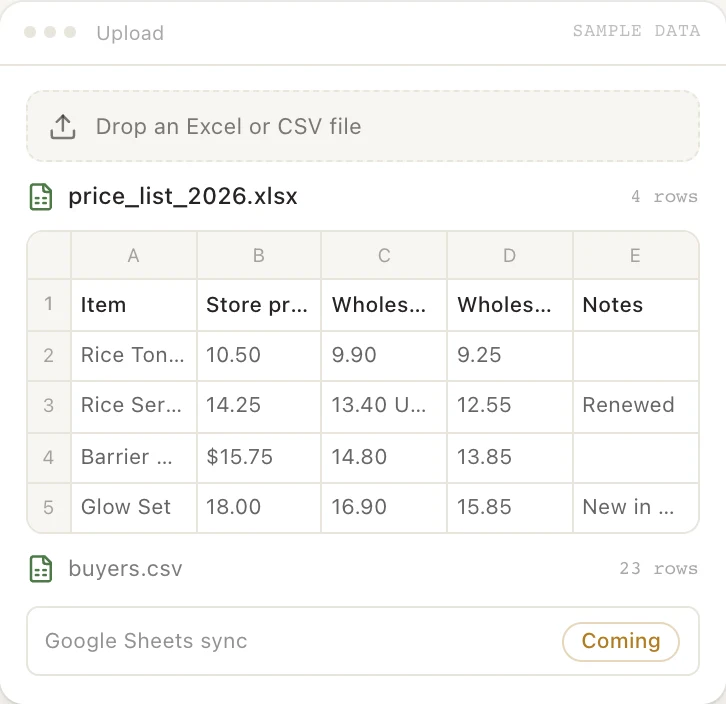
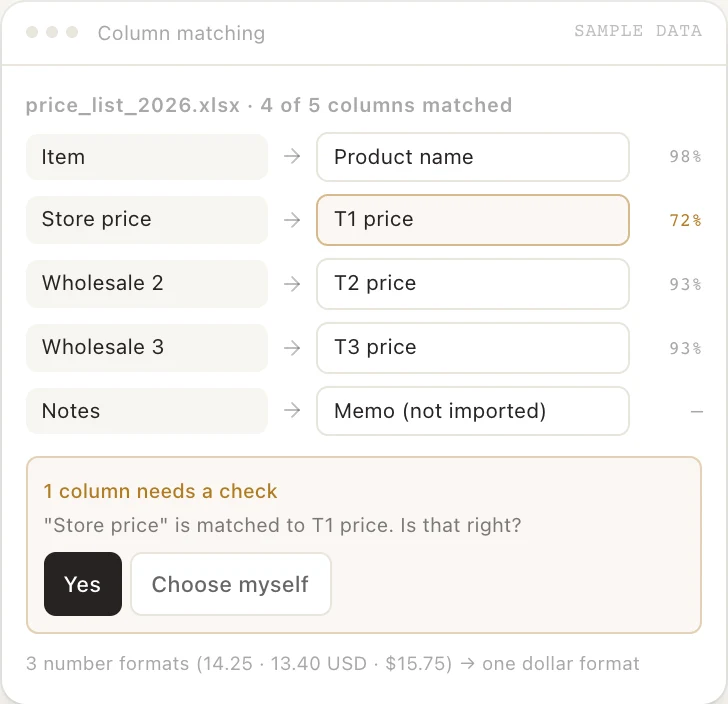
- List every sheetEach file and tab, who edits it, and what is built from it: order forms, invoices, the price list you email buyers.
- Choose the keysSKU for products, tax ID for buyers. Rows without a key go on a fix-first list.
- Clean in a copySplit buyer terms and prices out of the buyer list into their own tables with start dates.
- Merge duplicatesApply the rules above and keep every old spelling as an alias.
- Test-import 20 rowsOpen each record and check that prices, terms and contacts landed in the right fields.
- Import the rest, run one cycle in parallelTake orders and invoice from the new records for one billing cycle, with the old sheets there to compare.
- Lock the old sheets, name ownersProtect the old sheets so edits are blocked or warned, and give each record type one owner who approves changes.
What usually goes wrong?
- Importing before choosing keys. Buyers matched on names drift apart again within weeks.
- Overwriting prices. The new system shows only today's deal, just like the sheet.
- Merging franchisees. Two stores, one brand name, two tax IDs: one invoice, and both reject it.
- Leaving the old sheets open. Someone keeps editing the old file and you have two truths again.
- Cleaning everything first. Fix keys and duplicates, then import. Missing phone numbers can wait.
Where Pixell fits

Once these records are clean, the work on top of them repeats every week: checking orders against the price list, keeping buyer terms current and closing the month with each buyer. Pixell Agent can run that work inside the rules you set, and bring you only the exceptions.
Questions
When is a spreadsheet still fine?
When one person edits it, you have a handful of buyers on one price list, and no order or invoice is built from it automatically. Once two people edit prices or terms, or invoices depend on the sheet, you need records with keys and dates.
Do I need an ERP to manage wholesale buyers?
Usually not at first. A small brand needs clean products, prices, buyers and terms that orders and invoices read from. An ERP adds accounting, purchasing and stock, which you can connect later to the same keys.
How do I handle a buyer with several stores?
Keep one buyer record for the legal entity, keyed by its tax ID, and add each store as a ship-to location. If each store is its own legal entity with its own tax ID, they are separate buyers in a group.
How should I store price changes?
Never overwrite a price. Add a new row with a start date and close the old one with an end date. Then you can always answer which price applied to an order on a given day.
What is the safest way to dedupe a customer list?
Match on the tax ID first, then on a normalised name plus postcode, and review the uncertain pairs by hand. Keep every old spelling as an alias so incoming orders still match.
Tell us what you'd hand off first
Thirty minutes. We map it to rules and show you what Pixell Agent would own.
Book an operations reviewRelated guides
3PL to Amazon FBA inventory reconciliation for brands shipping from Korea: what to count, which Amazon reports to use, a worked table and the usual gaps.
Amazon agency vs in-house hire vs AI operations: 2026 salary data, agency price lists, what each is good and bad at, and a decision table.